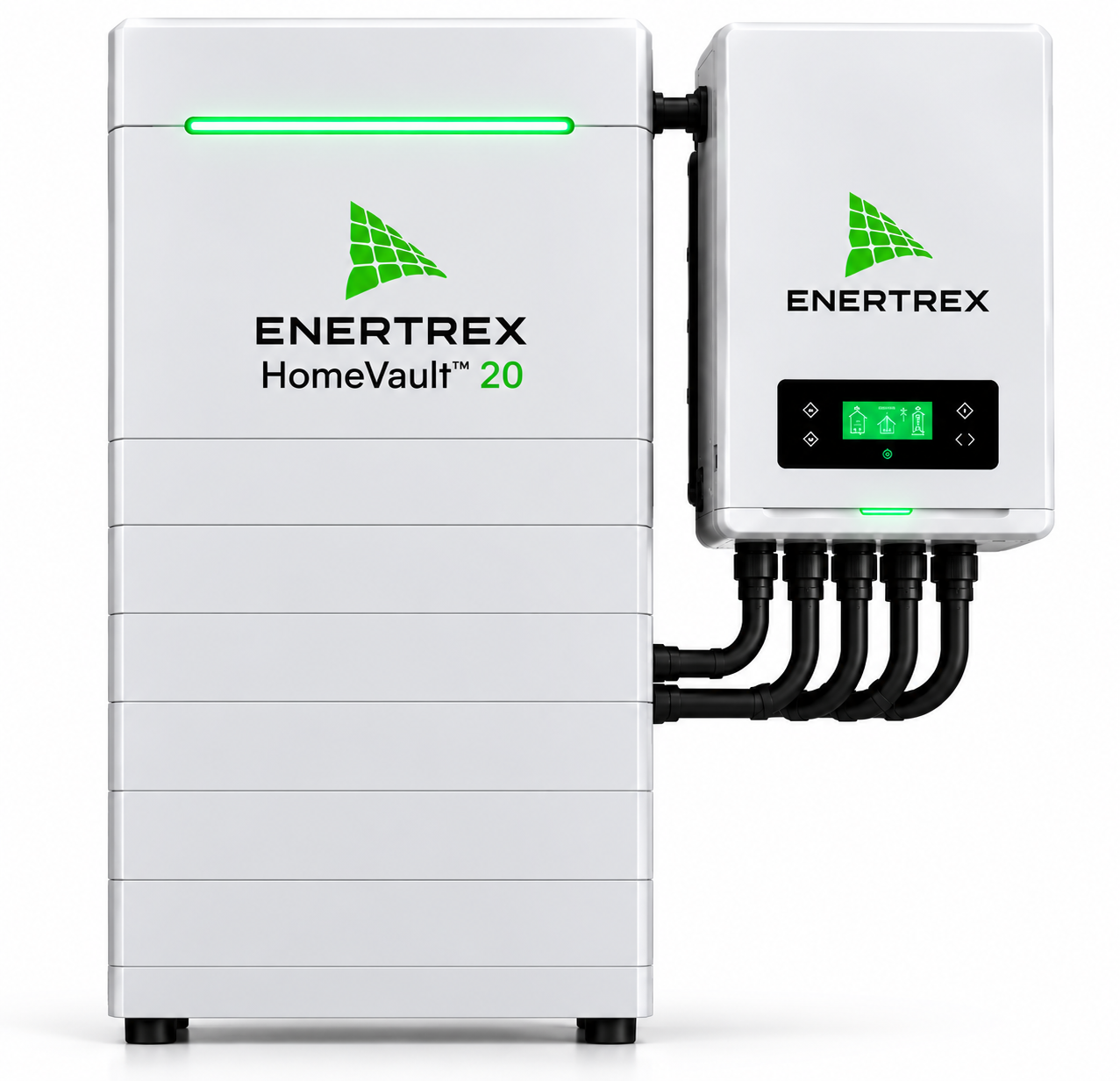
Actual model photo · proposed US data
Proposed HomeVault 20
20 kWh nominal class. Usable capacity, continuous and surge power, compatibility, certifications, and final technical specifications are unverified.
- Proposed equipment starting price
- $8,999
- Proposed installed starting price
- $12,999
Prices are source-data proposals pending approval, not an offer, reservation, financing term, installed quote, or guarantee. Installation feasibility depends on a qualified site, electrical, code, permitting, and service-area review.
View the existing product listingOpen the existing configurator
Capacity cannot be read as a runtime promise
A larger nominal class is not automatically the right answer. Runtime depends on the energy used by selected loads, the reserve, system losses, temperature, solar production, and the actual usable capacity. Power requirements are separate: multiple large loads or a high motor start can be decisive even when stored energy appears sufficient.
A site review should compare actual load data with verified usable energy, continuous and surge power, inverter capabilities, transfer controls, and allowed configuration. Those details remain unverified for this proposed model class.
Practical checklist
- Measure or estimate the energy and power of desired backup loads.
- Separate a resilience goal from a time-of-use or self-consumption goal.
- Confirm solar recharge and control behavior for the proposed configuration.
Treat the commercial figures as preliminary
The current US data lists proposed starting equipment and installed prices pending approval. These figures are neither an offer nor a total project cost. Electrical upgrades, site access, permits, taxes, labor, approved equipment, and installation conditions can change a final scope.
The unretouched model photo identifies the proposed visual model, not an approved technical data sheet. Only a qualified assessment can determine if installation is feasible.
Practical checklist
- Obtain a written final scope with price conditions.
- Ask about permit, code, service, and warranty responsibilities.
- Avoid treating a starting price as financing, reservation, or availability confirmation.
Test the operating plan before selection
A final selection should state how the system will operate during ordinary days and outages, not just how much nominal capacity it carries. Confirm who sets reserves, how selected loads are managed, what happens when solar production is low, and what service or warranty pathway applies. These answers should come from verified documentation and the designed installation, not from a capacity label.
Practical checklist
- Keep assumptions, exclusions, and the next verification step in the written project record.
What this guide does not verify
- Nominal proposed capacity class only.
- Usable capacity, power, certifications, and compatibility are unverified.
- Proposed pricing is pending approval and is not an offer.
- No runtime, savings, financing, or installation guarantee is made.
Practical FAQs
Questions to take into a review
Is HomeVault 20 suitable for a whole home?
No universal conclusion can be made. Verified load requirements, system power, usable capacity, controls, and installation design determine the backup scope.
Are certifications published for this model?
No certification claim is made. Certifications and final product specifications remain unverified.